When a computer is retired, sold, or recycled, many assume that deleting the files or wiping the drive is enough. It isn’t. Without proper hard drive destruction, sensitive information can resurface in the wrong hands, exposing your Los Angeles, CA business to data breaches, regulatory fines, and reputational damage.
Below, we break down why secure hard drive destruction matters, what type of information puts your business at risk, and how professional destruction services work.
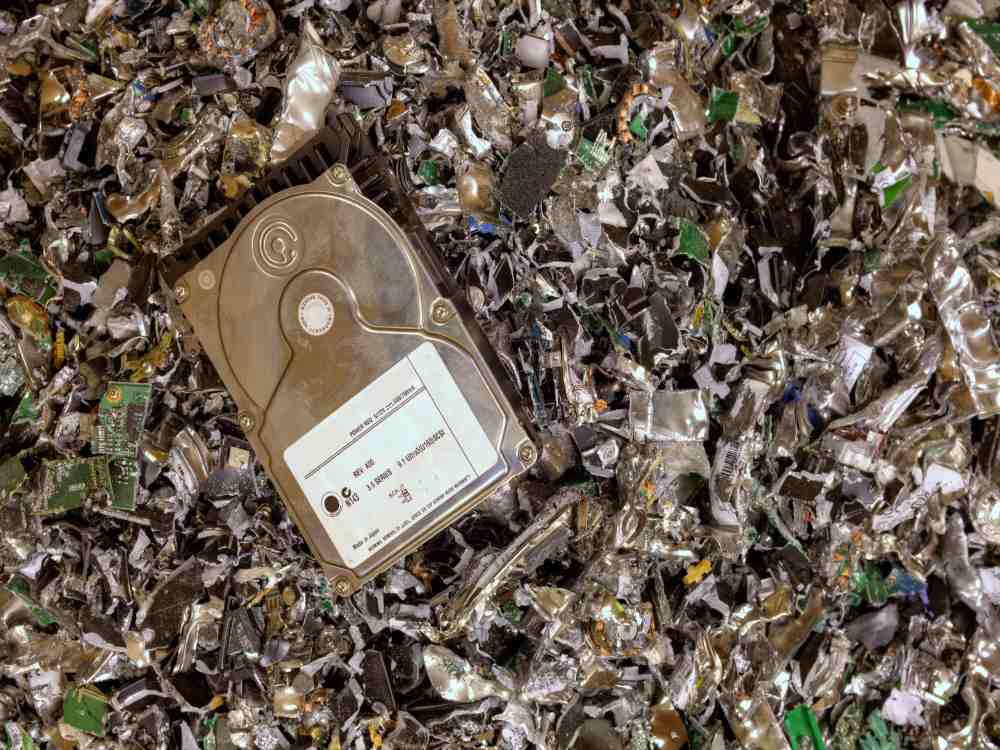
Why Deleting Files Isn’t Enough to Protect Data
Clicking “delete” doesn’t actually remove a file from a hard drive. It simply removes the pointer that tells the operating system where to find it. The underlying data remains on disk until it’s overwritten, so it can often be recovered with widely available forensic software. Formatting a drive doesn’t solve the problem either. A full format may take longer and appear more thorough, but experienced data recovery specialists and cybercriminals can still extract information from formatted drives. One terabyte of storage can hold roughly 678 million pages of text files, and the average hard drive today holds up to 20 terabytes. That’s an enormous amount of exposure sitting on a device that looks completely empty. This is why hard drive disposal requires more than a quick software wipe. Only physical destruction guarantees that data can’t be reconstructed.What Types of Information Can Be Stored on Old Hard Drives?
Old hard drives rarely contain only outdated software. They often hold years of accumulated business records, including:- Customer names, address, and payment details
- Employee Social Security numbers and payroll records
- Medical records protected under HIPAA
- Financial statements and banking information
- Internal emails, contracts, and proprietary business documents
When Should You Consider Hard Drive Destruction
Not every retired device needs to be destroyed immediately, but there are clear moments when secure data destruction should be a priority. Here’s when you should consider hard drive destruction:- Hardware Upgrades – When replacing computers or servers, the old drives still hold data unless destroyed.
- Office Relocations or Closures – Moving or shutting down a location often means disposing of old equipment in bulk.
- Compliance Deadlines – Many regulations require documented destruction on a set schedule.
- Mergers or Downsizing – Consolidating systems frequently leaves behind outdated drives.
- End of a Device’s Useful Life – Once a hard drive is no longer needed for backup or archival purposes, it becomes a liability rather than an asset.
How Professional Hard Drive Destruction Works
Our reputable hard drive destruction services follow a structured, secure process from pickup to disposal. Hard drive data destruction works in four stages:- Pickup – Hard drives and other electronic media are collected using GPS-tracked vehicles, either for onsite destruction or secure transport to a shredding facility.
- Destruction – Devices are physically crushed or shredded using industrial-grade equipment, rendering the drive and its data unrecognizable and unrecoverable.
- Recycling – After destruction, the remaining materials are recycled responsibly, keeping harmful metals and chemicals out of landfills.
- Certification – We issue a certificate of destruction, giving your business documented proof for audits and compliance records.
Hard Drive Destruction vs. Other Data Disposal Methods
Businesses sometimes consider alternatives to full destruction, but these methods carry more risk. Hard drive shredding services remain the most reliable method because they eliminate the physical components that store data entirely. Here’s how hard drive destruction compares to other data disposal methods:- Software Wiping – This overwrites data but can be incomplete, especially on damaged sectors of the drive.
- Degaussing – Degaussing uses magnetic fields to erase data, but it doesn’t work on solid-state drives and can be inconsistent.
- DIY Physical Damage – Smashing a drive with a hammer damages the casing, but data can often still be extracted from the inside platters.